

What This Section Covers
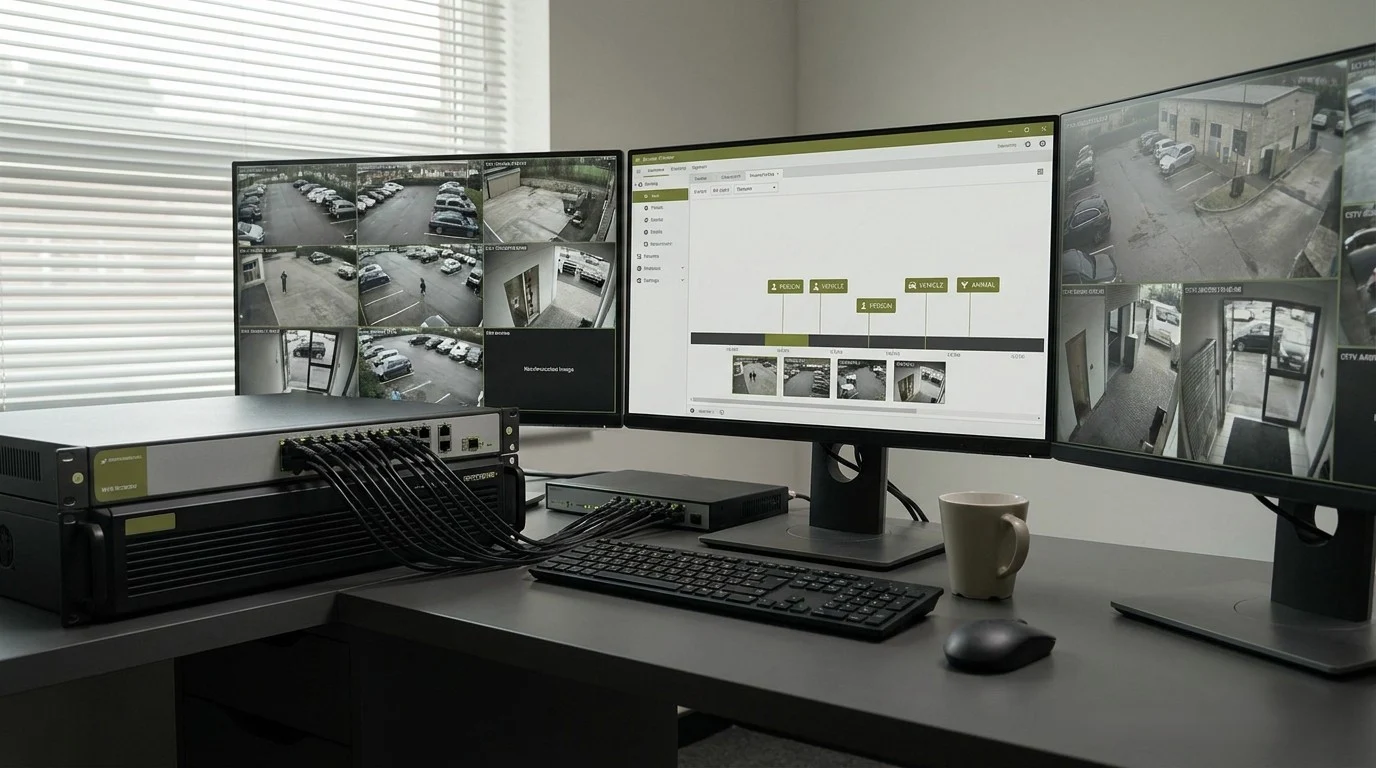
An NVR (network video recorder) stores, organizes, and lets you search video from IP cameras. Getting it right means answering a few practical questions: how much storage you need, which codec and frame rate to use, how long to keep footage, what resolution gives usable detail, and how to power the cameras.
Each card below explains one of those topics briefly and points to the guide or tool that goes deeper.
Plan recording around the evidence you need, then size storage to match.
NVR vs. DVR
A DVR records analog cameras over coax and does the video encoding in the recorder. An NVR records IP cameras over the network, and each camera encodes its own stream. For new installations, NVRs are the common choice because they work with modern IP cameras, PoE, and AI-based event search.
Our NVR guide explains how the recording layer works, why continuous and event recording behave differently, and what searchable video means for real investigations.
Storage Sizing
Storage depends on four things: bitrate per camera, number of cameras, hours recorded per day, and retention days. The formula is simple: storage = bitrate × seconds recorded ÷ 8. The hard part is choosing a realistic bitrate, because it changes with resolution, codec, frame rate, and scene activity. The IP camera bandwidth chart lists typical Mbps per camera for H.264 and H.265.
The calculator uses published manufacturer reference bitrates as defaults and lets you enter your own camera’s real bitrate.
Codecs: H.264, H.265, and Smart Codecs
H.264 offers the widest compatibility. H.265 (HEVC) is more efficient: in Axis bitrate comparisons, H.265 streams ran roughly 18–29% below H.264 across four test scenes. Smart codecs add scene-aware compression on top, and their savings vary by manufacturer and scene.
Choose the codec your NVR, viewing apps, and export workflow all support, then size storage with the codec you will actually run.
Retention: How Long to Keep Footage
Retention is a policy decision first and a storage problem second. Decide how many days of footage you need to keep based on how quickly incidents are usually discovered and any legal or insurance requirements that apply to you, then size the drives to match. If you are weighing a cloud plan instead, compare how long security cameras keep footage on Ring, Nest, Arlo, Blink, and other plans. If you record locally instead, the footage can still be saved when the internet is down; see whether security cameras record without internet.
Motion or event recording can extend retention on the same drives, but busy scenes can trigger recording most of the day, so leave headroom. Drives built for surveillance are designed for this workload; Seagate SkyHawk, for example, is marketed as optimized for 24/7 video recording.
Frame Rate
Higher frame rates mean more data. Security video does not need to look cinematic, but it must capture the moment that matters. Axis guidance notes that a minimum of 5 to 8 frames per second is often recommended for identification, with higher rates for fast-moving subjects such as vehicles or cash handling.
Resolution and Pixel Density
Megapixels alone do not tell you what a camera can see. What matters is pixel density on the subject. Based on IEC 62676-4, Axis lists about 250 pixels per meter for identification and 25 px/m for detection. A wide lens spreads pixels thin; a narrower lens puts more pixels on a doorway. The lens distance chart and calculator shows how far each focal length reaches.
Use the comparison chart to see DORI distances by resolution, then read the resolution guide to understand when 2MP, 4MP, 5MP, or 4K makes sense.
PoE: Power and Network on One Cable
Most NVR systems use Power over Ethernet, so each camera gets power and data through one cable, either from PoE ports on the NVR or from a separate PoE switch. Per the Ethernet Alliance overview, IEEE 802.3af delivers up to 13 W to the device, 802.3at up to 25.5 W, and 802.3bt up to 71.3 W. Add up each camera’s power draw, including infrared and heaters, and compare it with the PoE budget of your NVR or switch.
FAQ
How much storage does an NVR need?
It depends on bitrate, camera count, hours per day, and retention. Enter your setup in the NVR storage calculator for an estimate, and leave headroom because real bitrate changes with the scene.
Is H.265 worth using on an NVR?
Usually, if every part of your system supports it. In Axis comparisons, H.265 bitrates were roughly 18–29% lower than H.264, which means more retention on the same drives.
What resolution should NVR cameras record?
Start from the detail you need at the subject distance, not the megapixel number. The resolution comparison chart shows the distance each resolution reaches for detection, recognition, and identification at a given field of view.
Sources
Start with the numbers.
Estimate bitrate, bandwidth, and storage for your cameras in a minute.
Open the NVR Storage Calculator